
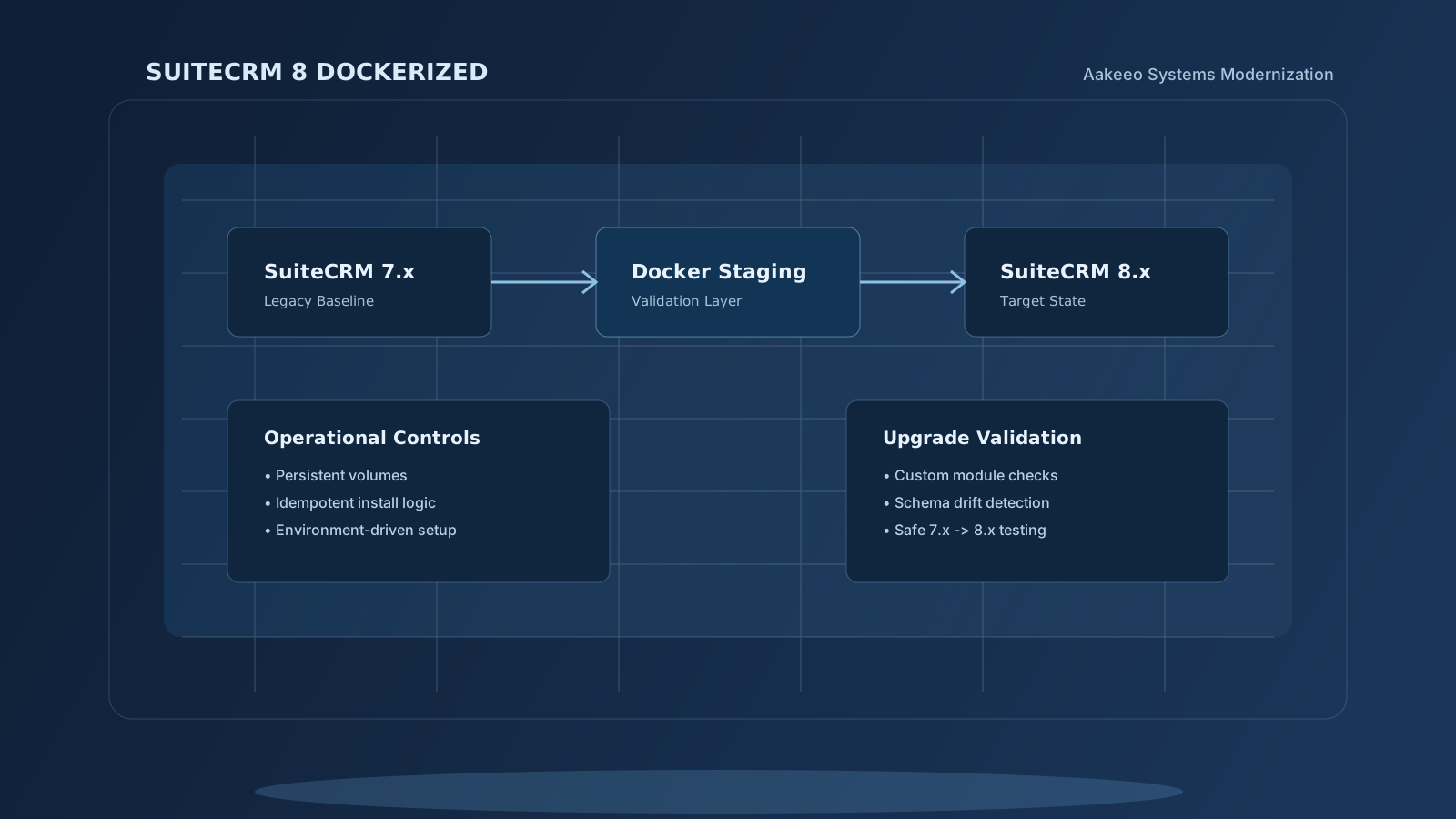
Focus: Controlled SuiteCRM 7.x → 8.x validation in Docker. For: technical evaluators, staging owners, upgrade leads. Model: persistent, restart-safe, environment-driven deployment.
Repository
github.com/Aakeeo/aakeeo_suitecrm8_dockerized
Why another SuiteCRM Docker setup?
There are generic Docker images online. Most are:
- Development-only
- Missing persistence
- Interactive-only installs
- Not upgrade-aware
- Not structured for real-world deployments
This build is different. It reflects how SuiteCRM should be run in staging and upgrade environments.
What this Docker environment includes
- Environment-driven installation via
.env - Custom admin username and password
- Optional demo data population
- Persistent database and application volumes
- Health checks
- MariaDB 10.6 alignment
- Idempotent install logic
- Restart-safe configuration
- Clean
docker-composestructure
Spin up SuiteCRM 8 in minutes:
docker compose up -dNo manual Apache tweaking. No random PHP dependency hunting.
Designed for upgrade validation
Most SuiteCRM upgrade failures happen because of:
- Undocumented custom modules
- Logic hook conflicts
- Database schema drift
- Environment misalignment
This container is structured to support: controlled upgrade testing, staging replication of production, safe 7.x → 8.x validation.
It is not just Dockerised SuiteCRM. It is an operational baseline.
Demo data or clean install — your choice
Inside .env you can configure:
SUITECRM_ADMIN_USER=admin
SUITECRM_ADMIN_PASSWORD=StrongPassword123
SUITECRM_DEMO_DATA=true
Clean environment? Set demo to false. Sample data for testing? Enable it. Installation is environment-driven with no wizard required.
Data persistence
The setup uses named volumes for:
- Database persistence
- Application data persistence
- Upload directory persistence
Restart the container, data remains intact. Suitable for long-running staging environments, upgrade test environments, development sandboxes.
Who this is for
- Teams planning a SuiteCRM 7 → 8 upgrade
- Developers testing custom-module compatibility
- Technical leads replicating production in staging
- Organisations adopting SuiteCRM 8 cleanly
If you're simply exploring CRM options, this is more than you need. If you're evaluating upgrade risk, it's structured for you.
Why we built this
SuiteCRM documentation is fragmented. Installation tutorials are scattered. Upgrade testing often happens directly in production, which is dangerous. We wanted a clean, reproducible, controlled environment — so we built one.
Next: upgrade validation toolkit
This Docker environment is the first layer. Next, we're building:
- Upgrade compatibility validation helpers
- Structured migration checklists
- Refactor readiness scripts
Running 7.x and planning migration to 8.x? Talk to us about a structured modernisation audit — customisation compatibility, database alignment, environment readiness, refactor scope. Before touching production.